pinascatter Deposit – PHP Payment Methods and How to Fund Your Account in the Philippines

The pinascatter Deposit section explains every payment option available to Filipino players, including GCash, Maya, and local bank transfers. This page tells you exactly how to add funds to your account quickly and securely using Philippine pesos, so you can get started with sports, live casino, or bingo without delays.

GCash & Maya Local Bank Transfer Secure Payments PHP Accepted Fast Processing
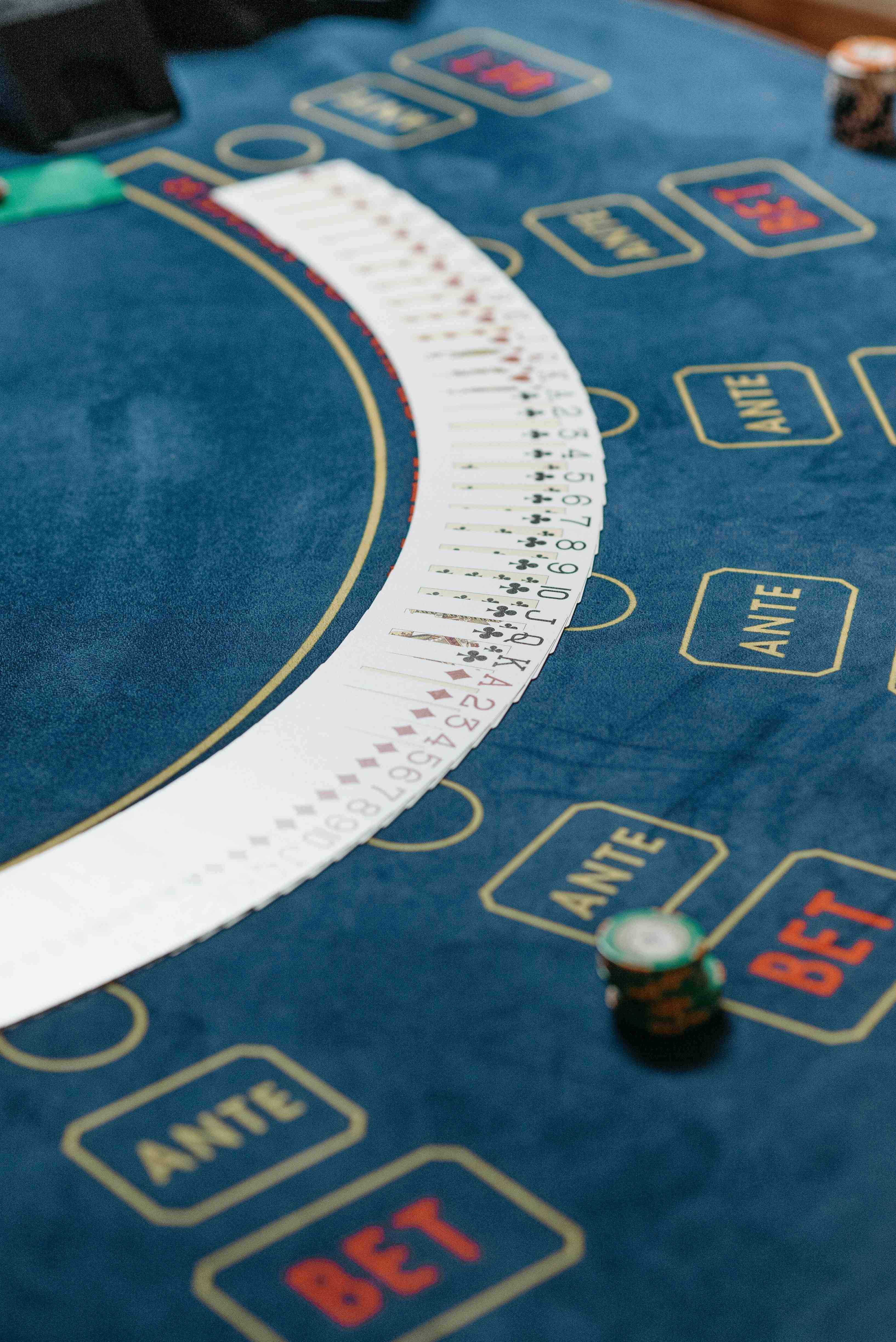
pinascatter deposit screen showing PHP payment options for Filipino players
GCash Deposits Supported Maya Payments Accepted Local Bank Transfer Available Philippine Pesos Only Encrypted and Secure Fast Account Funding 24/7 Deposit Window Filipino Members Welcome GCash Deposits Supported Maya Payments Accepted Local Bank Transfer Available Philippine Pesos Only Encrypted and Secure Fast Account Funding 24/7 Deposit Window Filipino Members Welcome

What the pinascatter Deposit Section Covers

The pinascatter Deposit page is your complete guide to funding your account using payment methods that work in the Philippines. It covers the local e-wallet options most Filipinos already use every day — GCash and Maya — alongside traditional bank transfer methods for those who prefer that route. All transactions on pinascatter are processed in Philippine pesos (₱), so there is no need to worry about currency conversion fees or foreign exchange rates. This page explains minimum deposit amounts, how long each method takes to reflect in your account, and what steps to follow after logging in. If you are new to pinascatter, you will need to register an account before you can make your first deposit.

Payment Methods Filipino Players Use on pinascatter

All deposit channels accept Philippine pesos and are designed for fast, secure transactions from anywhere in the Philippines.

GCash

GCash is the most widely used e-wallet in the Philippines and is fully supported on pinascatter. Deposits made through GCash are typically reflected in your account within minutes, making it the fastest option for most Filipino players. You only need your registered GCash number and sufficient balance to complete the transaction without leaving the pinascatter platform.

Maya

Maya (formerly PayMaya) is another popular digital wallet accepted on the pinascatter Deposit page. Like GCash, Maya transactions are processed electronically and funds usually arrive quickly after confirmation. Many Filipino players who maintain both wallets use Maya as a backup or preferred option depending on their current balance and active promotions from the wallet provider.

Bank Transfer

For players who prefer traditional banking, local bank transfer is available as a deposit method on pinascatter. This option supports major Philippine banks and is ideal for larger deposit amounts where e-wallet limits might apply. Processing times for bank transfers may be slightly longer than e-wallets, typically within the same business day depending on your bank's processing schedule.

Secure & Encrypted

Every deposit transaction on pinascatter is protected by encryption to keep your payment details safe. The platform handles all financial data responsibly and does not store sensitive card or wallet credentials beyond what is required for the transaction. Filipino players can deposit with confidence knowing that their account balance and personal information remain protected at all times.

How to Add Funds to Your pinascatter Account

Making your first deposit on pinascatter is straightforward once your account is set up and verified. The process is designed to be mobile-friendly so Filipino players can complete the whole thing from a smartphone in just a few minutes. Below are the basic steps that apply regardless of which payment method you choose.

  1. Log in to your account. Go to pinascatter and sign in using your registered username and password. If you do not yet have an account, visit the Register page to create one first before proceeding to the deposit section.
  2. Go to the Deposit section. From your account dashboard, navigate to the Deposit page. You will see all available payment methods listed clearly with their processing times and any applicable minimum amounts in Philippine pesos.
  3. Choose your preferred payment method. Select GCash, Maya, or bank transfer depending on what works best for you. Each option will display the steps specific to that method so you know exactly what to do next.
  4. Enter your deposit amount in ₱. Type in the amount you want to add to your account balance. Make sure the amount meets the stated minimum deposit threshold for your chosen payment method before confirming.
  5. Confirm and check your balance. Complete the payment through your chosen method. Your pinascatter account balance should update promptly — if there is any delay, the FAQ section has troubleshooting guidance for payment issues.
Step-by-step deposit process on pinascatter mobile app for Filipino users

Deposit Methods at a Glance

A quick comparison of the main payment options available on the pinascatter Deposit page.

Method Type Processing Speed Currency
GCash E-Wallet Near Instant ₱ PHP
Maya E-Wallet Near Instant ₱ PHP
Bank Transfer Local Bank Same Business Day ₱ PHP

Live Casino

Once your account is funded, jump straight into real-time dealer tables on the pinascatter live casino. Baccarat, roulette, and other live formats stream around the clock for Filipino players.

Go to Live Casino

Bingo Sessions

Bingo is one of the easiest ways to start playing on pinascatter after your first deposit. Sessions run continuously and the rules are simple — check the Bingo page for the current schedule.

See Bingo Page

Payment FAQs

If you run into any questions about deposit limits, processing times, or account funding issues, the pinascatter FAQ section has clear answers covering the most common payment topics for Filipino members.

Read the FAQ

Common Deposit Questions from Filipino Players

Straightforward answers to the questions pinascatter members ask most about funding their accounts.

pinascatter currently supports GCash, Maya, and local bank transfer as deposit methods for Filipino players. GCash and Maya are the most popular choices because they process funds almost instantly and are already installed on most Filipino smartphones. Bank transfer is a reliable alternative for players who prefer working through their existing savings or current account at a major Philippine bank. All three methods transact in Philippine pesos, so you never need to deal with currency conversion. If you are unsure which method suits you, check the FAQ page for a more detailed comparison of each option's processing times and any limits that may apply.

Deposits made through GCash or Maya on pinascatter are typically processed within a few minutes after the transaction is confirmed on your end. In most cases, Filipino players see their account balance update almost immediately after completing the payment in their GCash or Maya app. Occasional delays can happen during peak hours or if there is a temporary issue with the e-wallet provider's system, but these are usually resolved within the same session. If your balance does not update after 15 minutes, it is advisable to check your GCash or Maya transaction history first to confirm the payment went through successfully. You can also refer to the FAQ section for step-by-step troubleshooting if the delay persists.

pinascatter sets minimum deposit amounts per payment method to keep transactions practical for all Filipino players. The exact minimums are displayed clearly on the Deposit page after you log in and select your preferred payment channel. E-wallet options like GCash and Maya generally have lower minimums than bank transfer, making them accessible even for players who want to start with a modest amount in Philippine pesos. It is a good idea to review the current minimum before initiating a transaction so your deposit goes through without any issues. If you have not yet created an account, head to the Register page first, as deposit access requires a verified pinascatter membership.

Yes, account verification is a standard requirement before you can access the deposit function on pinascatter. This step helps protect both the player and the platform by confirming that each account belongs to a real person based in the Philippines. The verification process is typically straightforward and involves confirming your registered email or mobile number at the time of sign-up. Filipino players who complete verification promptly can access the deposit page and start funding their account without further delays. If you have not registered yet, the quickest way to get started is to visit the registration page and complete the sign-up process in just a few steps.

Absolutely — the pinascatter Deposit page is fully optimised for mobile use, which is how the majority of Filipino players access the platform day to day. Whether you are using GCash or Maya, the entire deposit flow can be completed from your smartphone browser without needing a desktop computer. The page layout adapts cleanly to smaller screens so buttons and input fields remain easy to tap even on budget Android devices common across the Philippines. For an even smoother experience, the pinascatter mobile app allows you to deposit directly from within the app environment. Visit the App page to find out how to download and install the app on your device.

Ready to Fund Your Account and Start Playing?

Register on pinascatter today and use GCash, Maya, or local bank transfer to make your first deposit in Philippine pesos. It takes just a few minutes to get your account funded and ready for sports, live casino, and bingo.